Aperçu des sections

  • Q-SYS VisionSuite Design Training

    Learn how to design Q-SYS VisionSuite systems from the ground up in this on-demand online course for pre-sales engineers, consultants, and programmers. Using the 3D VisionSuite Designer inside Q-SYS Designer you will build room layouts, place NC series cameras and intelligent ceiling microphones, define speaker and presenter zones, and configure tracking behaviours and automation rules. Along the way you will explore hardware and software requirements, multi-config room designs, secondary cameras, Presenter Spotlight, and Conductor cameras. By the end you will be able to produce a complete VisionSuite design file ready to hand off for deployment.
  • Introduction


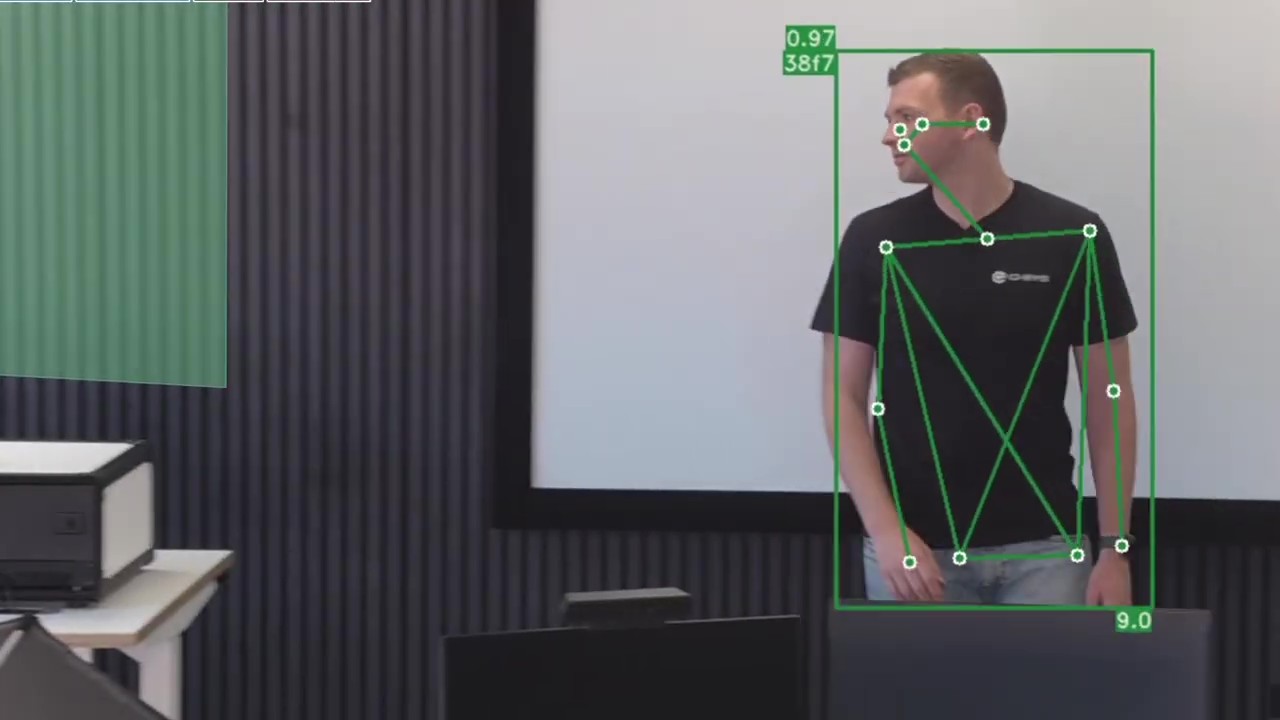
    Explore VisionSuite's key features and learn how it supports the design and deployment of intelligent camera systems.

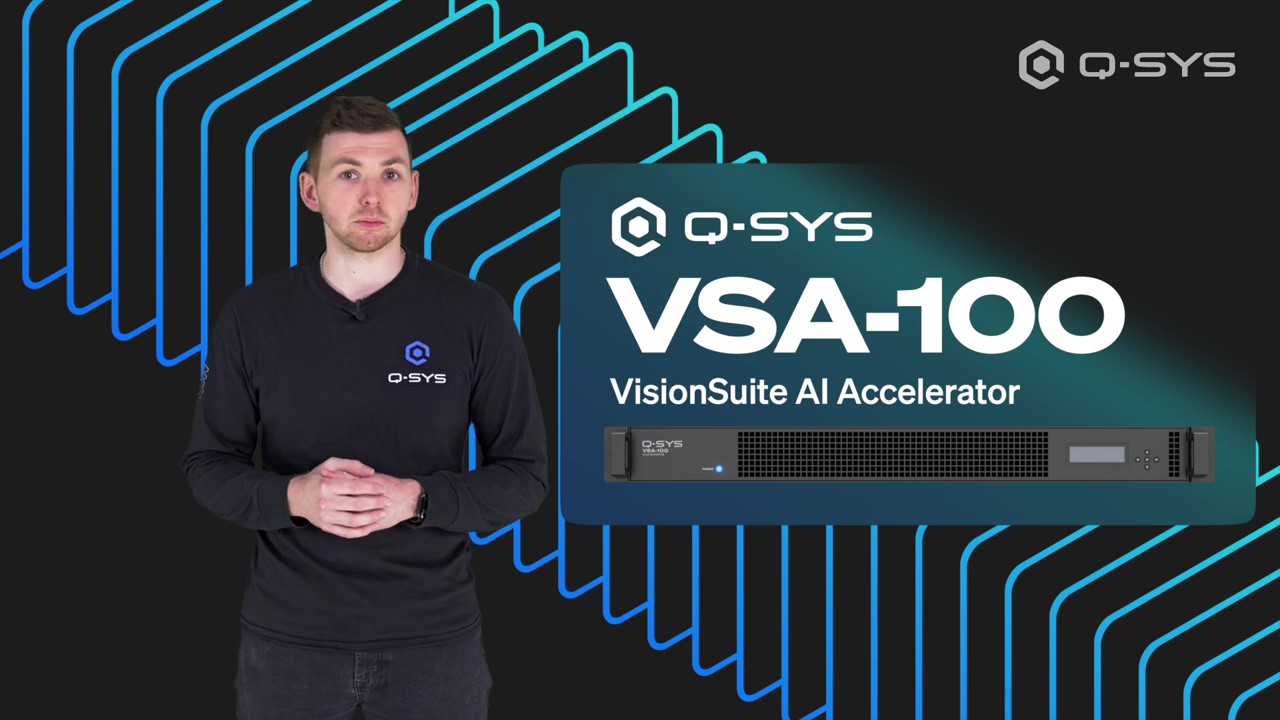
  • Hardware and Software Overview


    Review the VisionSuite Accelerator, compatible cameras, microphones, and software components used in a VisionSuite system.

  • VisionSuite Design Overview


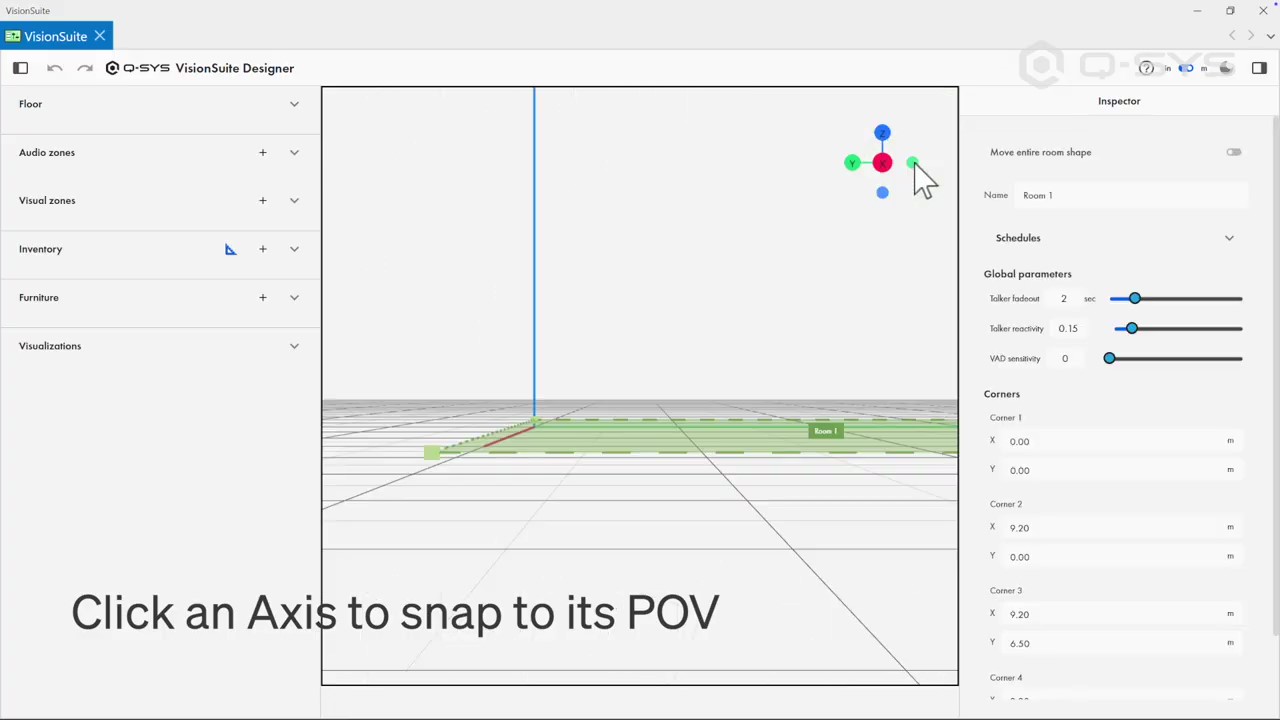
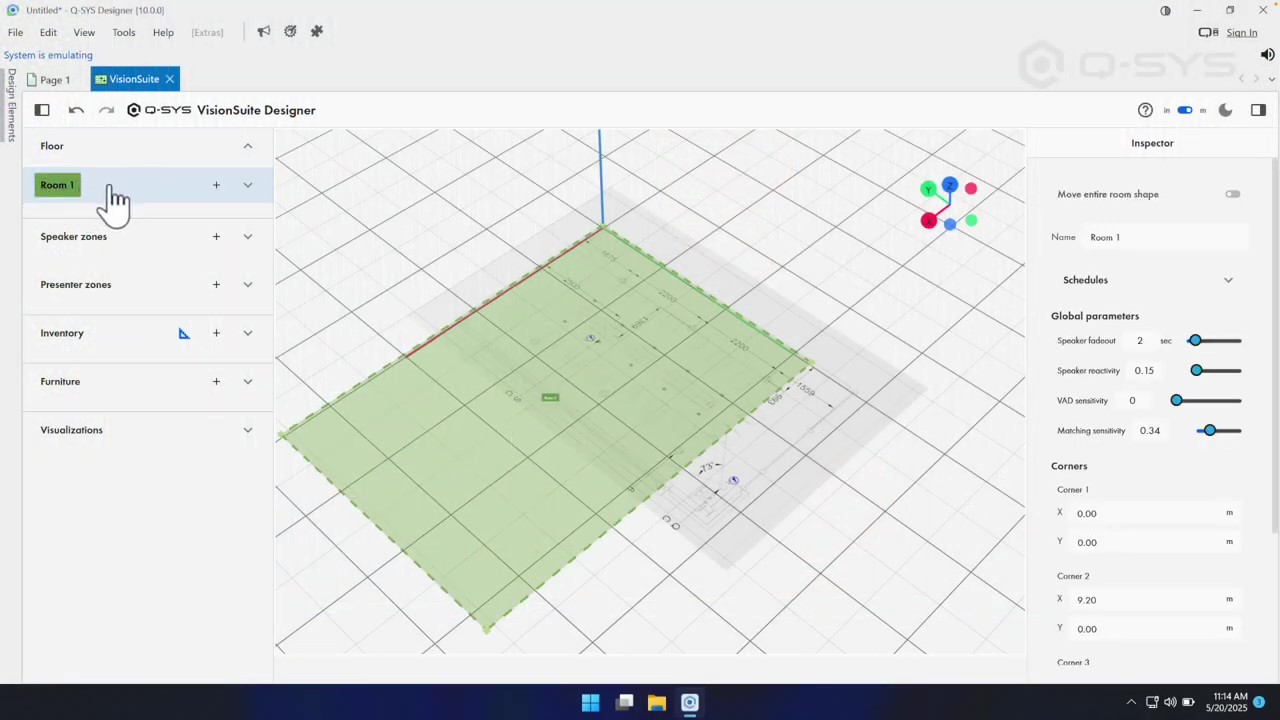
    Learn to navigate the VisionSuite Designer interface and use its primary tools for building room designs.

  • Build a Room


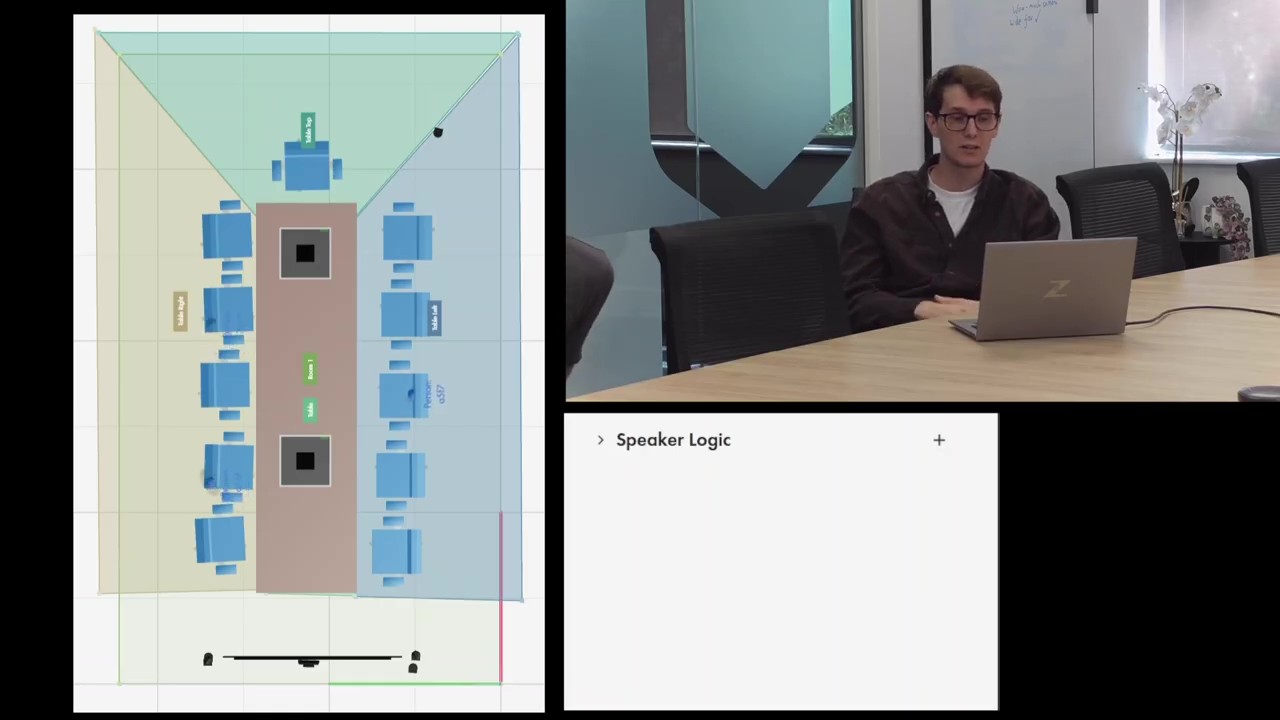
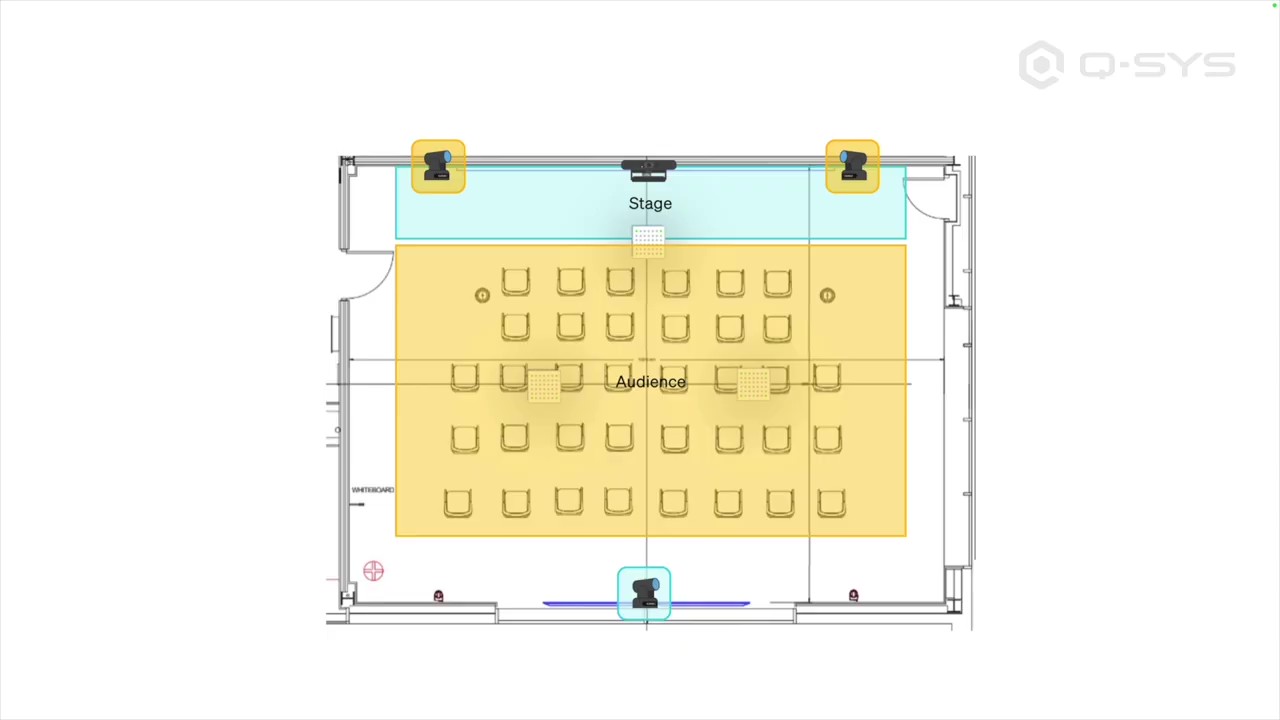
    Learn how to create a VisionSuite room by importing a floorplan, adding equipment and furniture, defining speaker zones, and configuring camera behaviors.

  • Secondary Cameras


    Configure primary and secondary camera pairs to switch between cameras without showing camera movement to remote participants.

  • Microphones


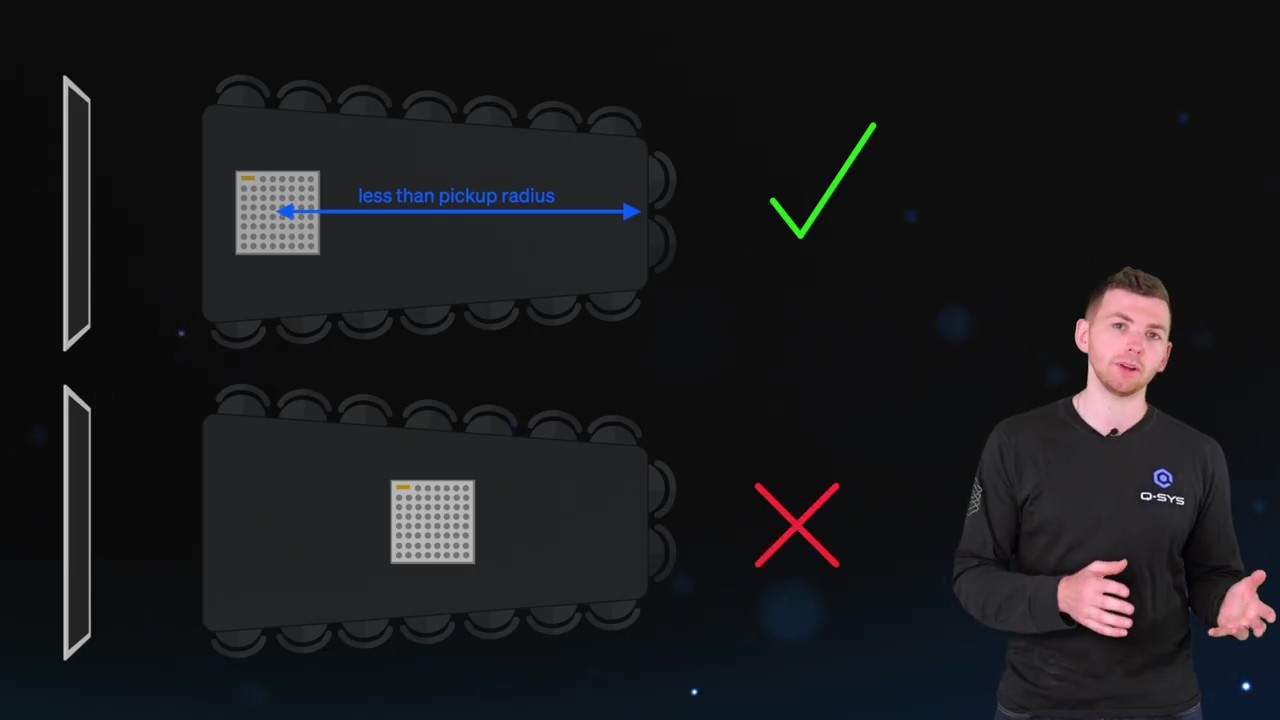
    Learn microphone best practices to improve audio-based speaker tracking and system performance.

  • Presenter Spotlight


    Configure presenter tracking with trigger, tracking, and exclusion zones.

  • Conductor Cameras


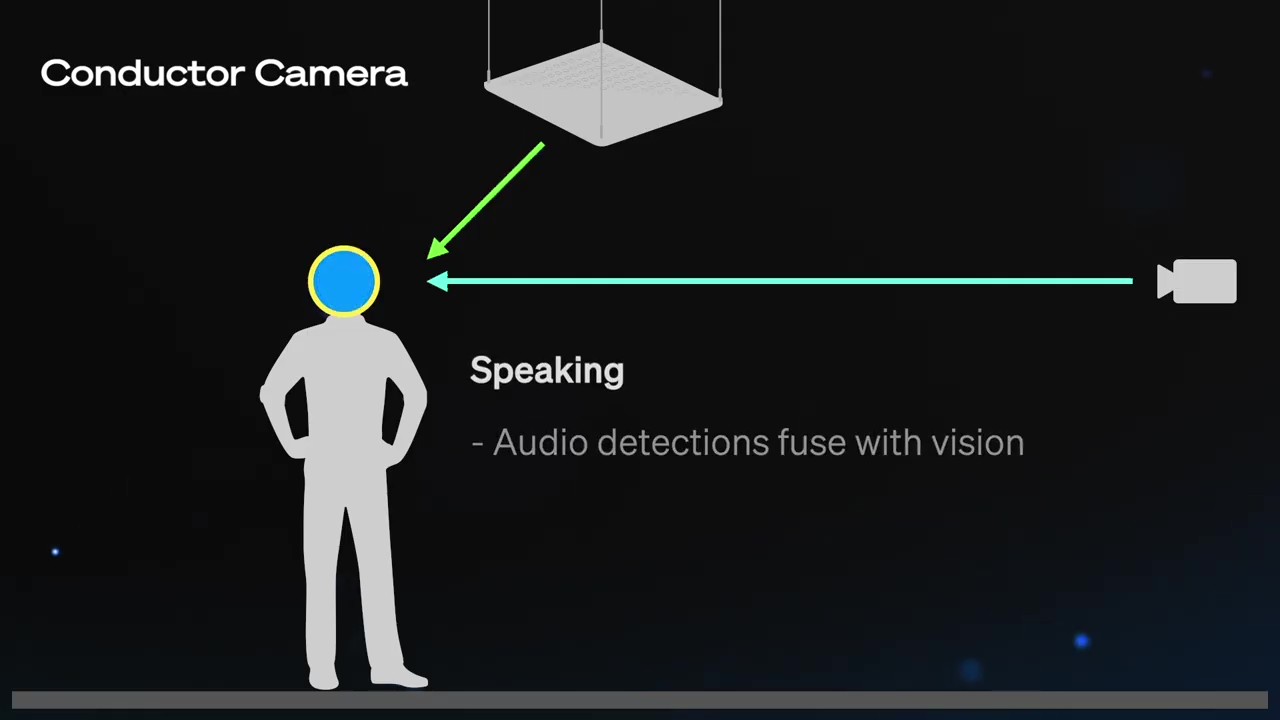
    Use conductor cameras to provide continuous vision and height data for more accurate speaker framing.

  • Design Workshop


    Apply VisionSuite design principles to create a complete multipurpose-room system with varied layouts, camera configurations, and microphone strategies.